
Description
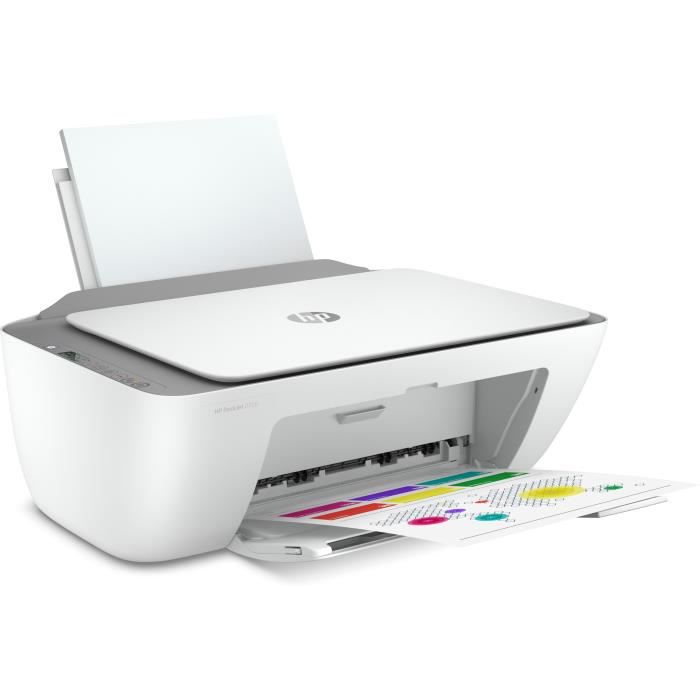
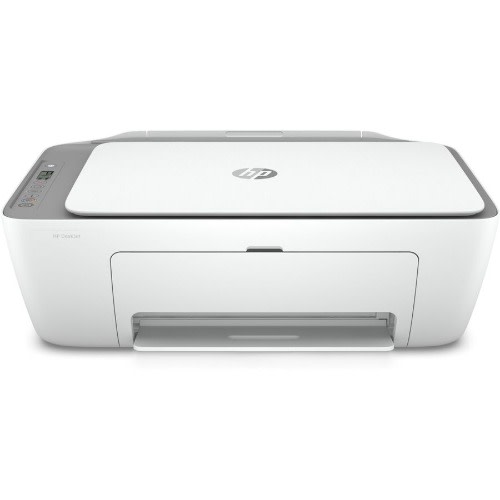
HP DeskJet 2720 All-in-One Printer with Wireless Printing Print Scan Copy
Keep it simple
All the basics are now provided with easy-to-use features. Everyday documents can be printed, scanned, and copied, and hassle-free wireless connectivity is included. In addition, setup is simplified with the HP Smart app, so readiness is achieved on any device. Furthermore, ink can be delivered for a lot less through HP Instant Ink.
Simple setup. Simple printing
To begin with, fast startup is enabled by simple setup that guides you through each step with the HP Smart app. Moreover, tasks are easily handled, and more can be accomplished with one device, since printing, scanning, and copying are all supported. Everyday documents can also be printed directly from a smartphone using the HP Smart app. In the same way, high-quality scanning and sharing are made possible through the HP Smart app, and copies can be created easily from a smartphone.
Hassle-free wireless
In terms of connectivity, better range and faster, more reliable connections are ensured with dual-band Wi-Fi that resets itself automatically. Additionally, instant printing from a smartphone or tablet is enabled with Bluetooth and quick setup. Built-in wireless capabilities are provided so resources can be accessed, printed, and shared across a network. Finally, direct connectivity is supported, since the printer can be connected to a computer through the built-in USB port.
Save up to 70% on ink and never run out
With HP Instant Ink, ink is automatically ordered and delivered to your door, and costs are reduced significantly. At the same time, five different plans are offered so your needs can be matched without commitment or annual fees—cancellation is allowed at any time. In addition, original HP ink cartridges are used to ensure that sharp text and vibrant graphics are produced for all everyday documents and photos.
Key Specifications
| Feature | Detail |
|---|---|
| Functions | Print, Scan, Copy (flatbed scanner) |
| Print Technology | HP Thermal Inkjet |
| Print Speed (Black, ISO, A4) | Up to 7.5 pages per minute |
| Print Speed (Colour, ISO, A4) | Up to 5.5 pages per minute |
| Draft Print Speed (Black) | Up to ~20 ppm in draft mode |
| First Page Out Time (Black, Ready State) | ~15 seconds |
| Print Resolution | Black: up to 1200 × 1200 rendered dpi; Colour: up to 4800 × 1200 optimised dpi (with photo-papers and high input dpi) |
| Connectivity | USB 2.0; Built-in WiFi (802.11a/b/g/n) for wireless printing |
| Mobile Printing Support | Supports HP app, Apple AirPrint, Mopria, Chrome OS printing |
| Paper Input / Output Trays | ~60-sheet input tray; ~25-sheet output tray |
| Media Sizes Supported | A4, B5, A6, DL envelopes; custom sizes from 89×127 to 215×279 mm |
| Duplex Printing | Manual duplex (you flip the pages yourself) via driver support. |
| Duty Cycle / Recommended Monthly Volume | Monthly maximum ~1,000 pages; recommended usage ~50-100 pages/month |
| Scan Resolution | Up to ~1200 dpi optical scan on flatbed |
| Copy Features | Up to 9 copies at a time; typical copy resolution ~300×300 dpi |
| Dimensions & Weight | ~ 425 × 304 × 154 mm; weight ~3.42 kg |
What It Does Well
-
Wireless printing means you can print from phones/tablets without cables.
-
Fair speed for basic tasks (especially text) in its class.
-
Good resolution for colour photos or graphics when using proper photo paper.
-
The small tray capacities and manual duplex are okay for light use.
-
Relatively compact and lightweight; doesn’t take up much desk space.
-
Low to moderate power consumption when idle / sleep; reasonable for home or small office use.
Limitations & Things to Consider
-
Manual duplexing is less convenient than automatic two-sided printing.
-
Print speeds for colour and high-quality mode are modest; not ideal for heavy or frequent colour work.
-
Trays are small; large print jobs require frequent paper refills.
-
Not built for very high monthly volumes; pushing toward the upper duty cycle may wear it faster.
-
Ink cartridge / cost per page for colour graphics or photos tends to be higher.
-
No automatic document feeder (ADF); multi-page scans/copies need manual page placement.
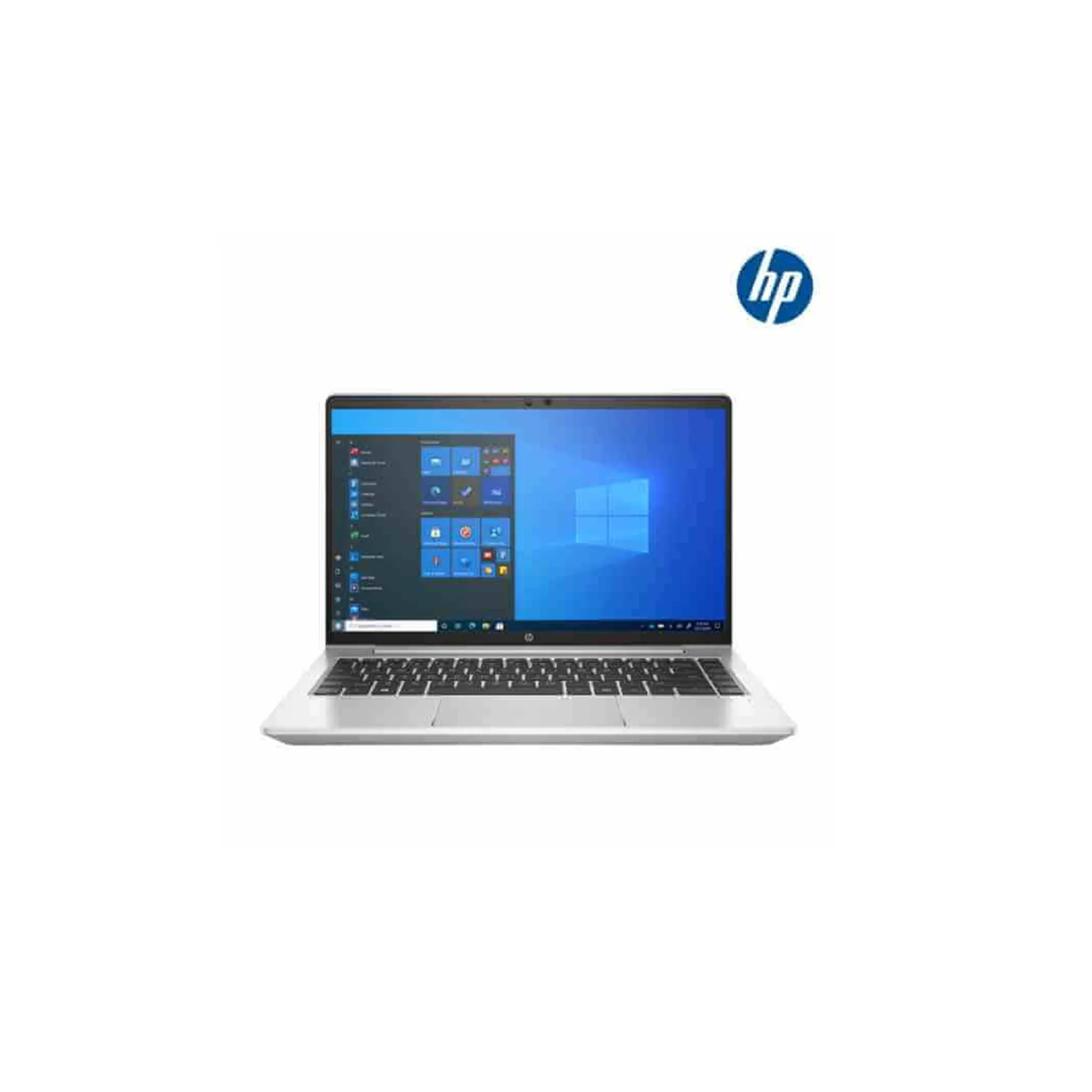
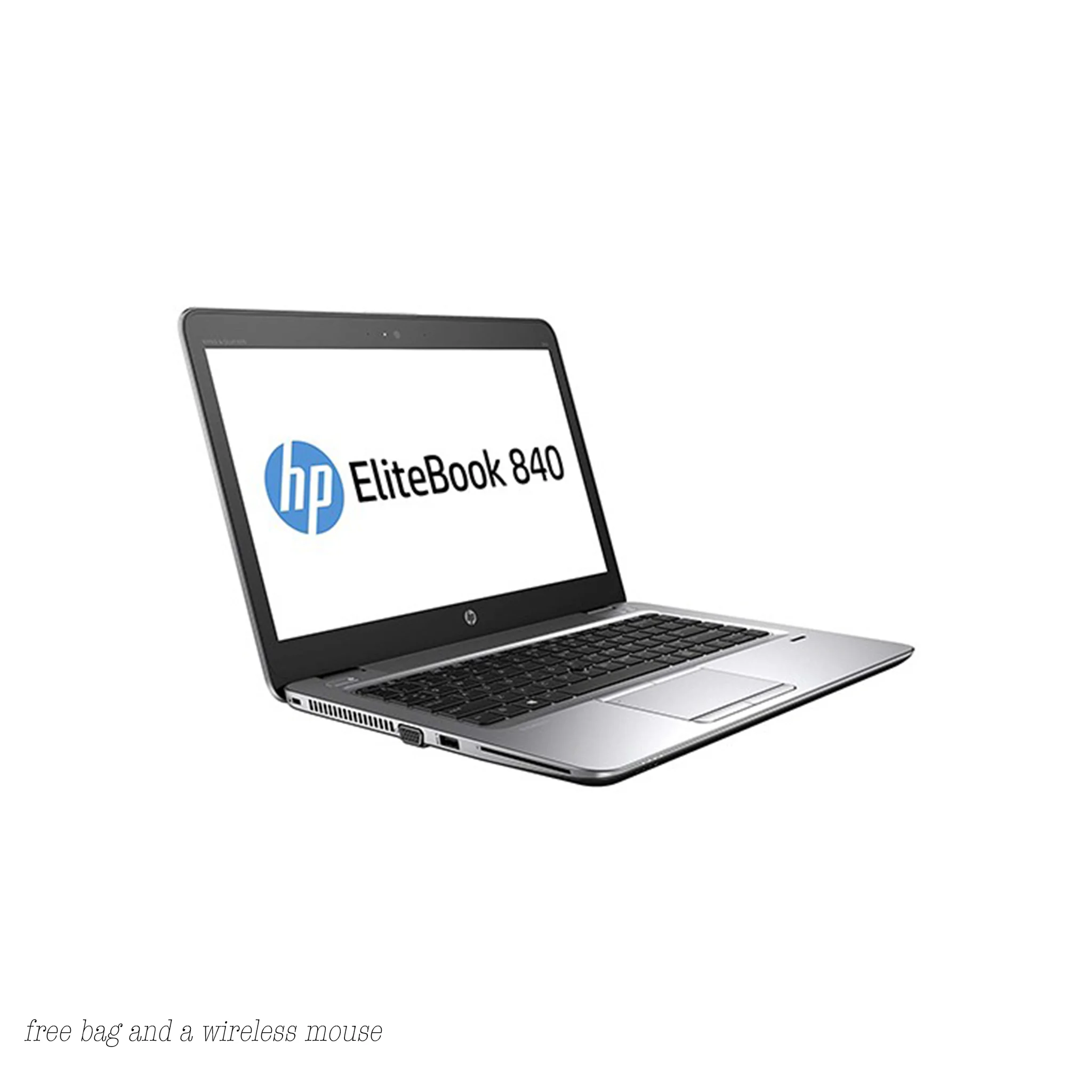
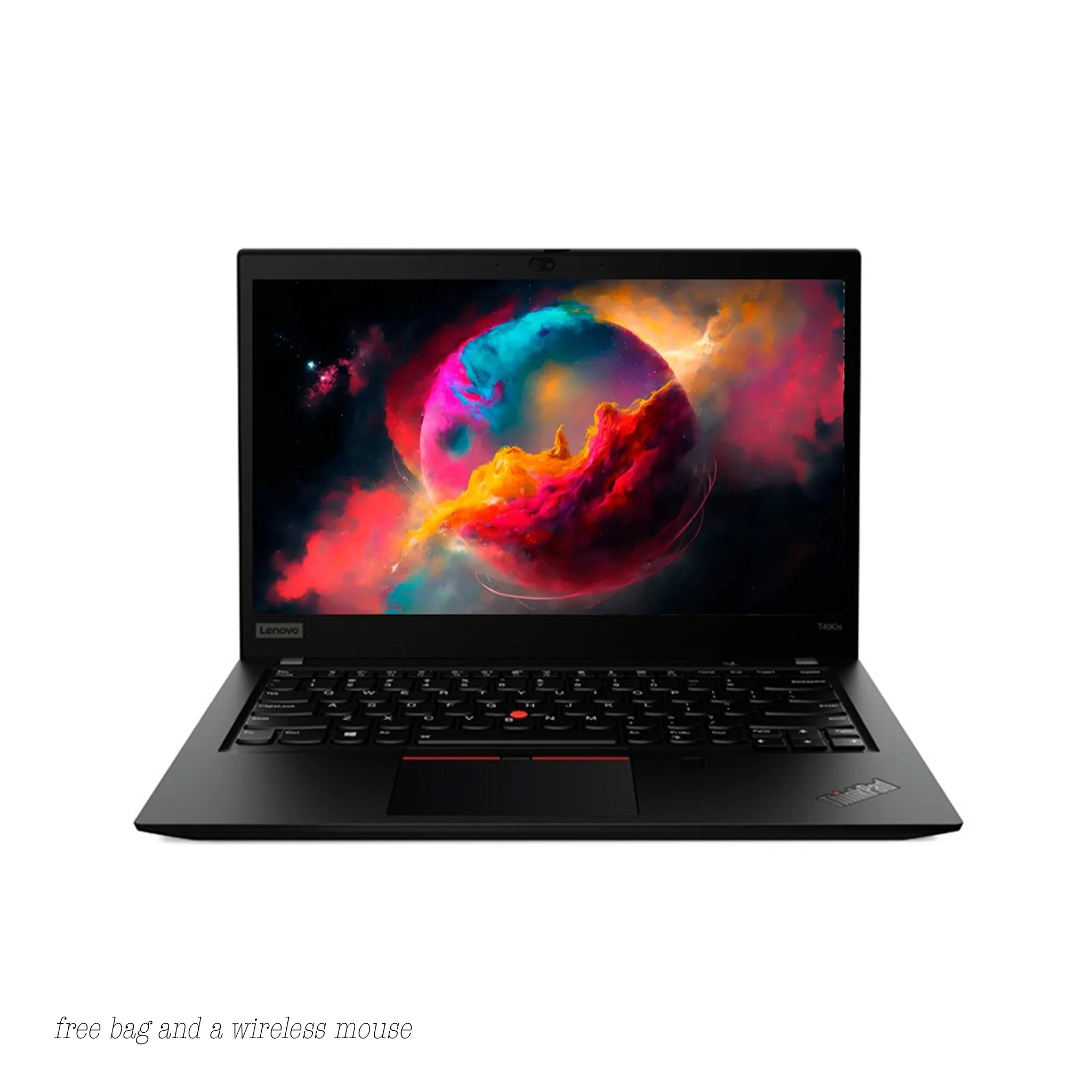
We are located at We are located at Jamia Mall Ground Floor shop G85B. Come see our latest laptops, explore features, and get expert assistance from our friendly team.
Reviews
There are no reviews yet.